Publishing & Exporting
Export your work to Unity
Once you've finalized your VR Story with Studio, you'll need to export it to feed it into the Unity SDK.
Exporting options are on the top right of the page, in both List View and Graph View. There is a 'Publish' button which opens up a window to show export options.
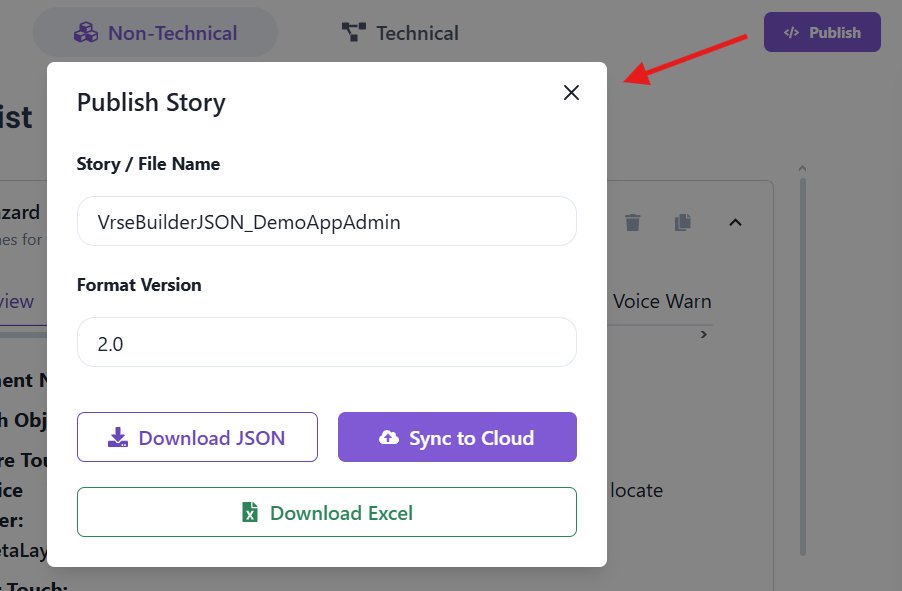
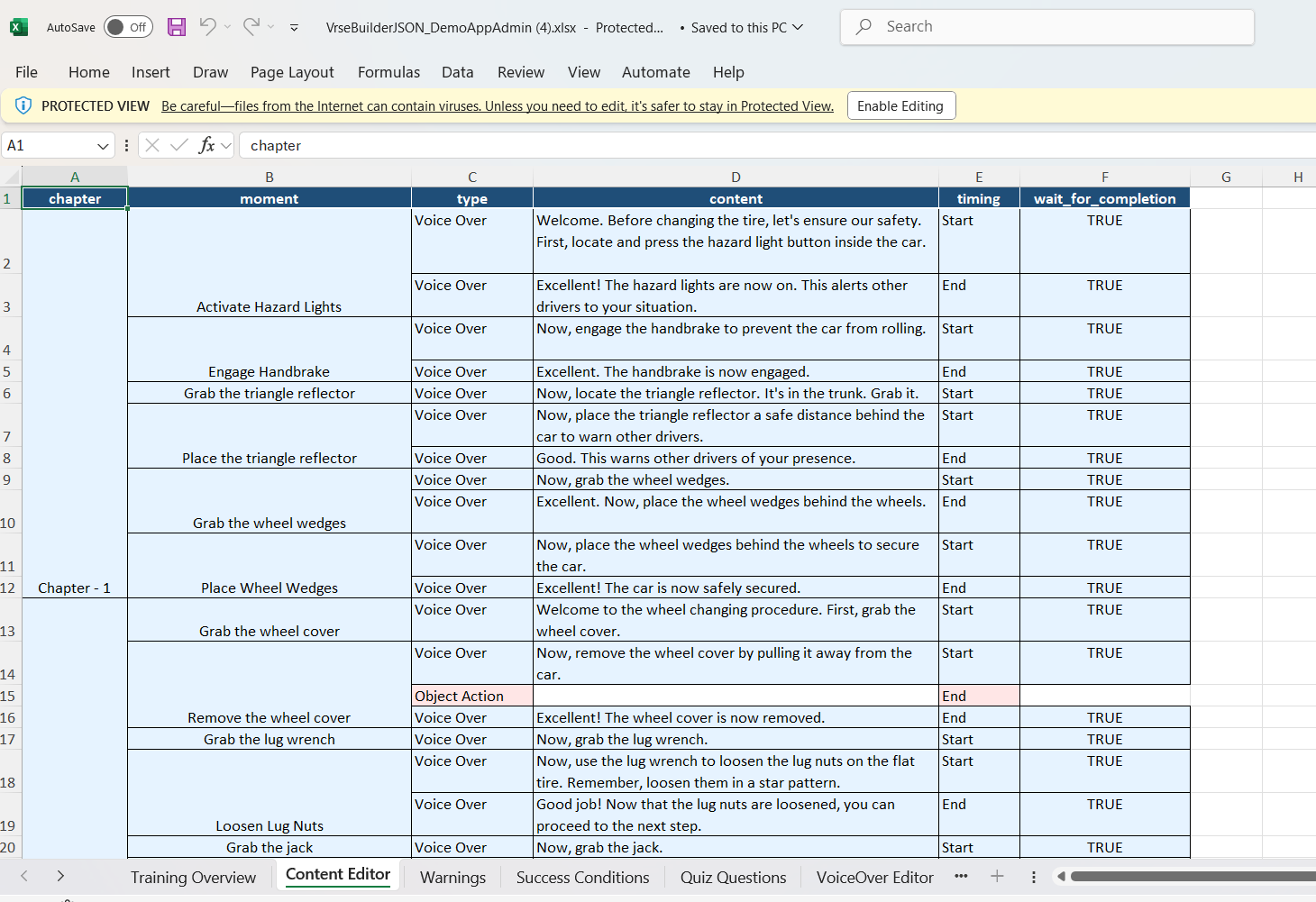
Excel
Studio can generate your VR story in an Excel Spreadsheet. This format could make it easier for your SME and other stakeholders to review and edit.
Converting Excel back to a VR-ready Story is not yet supported, but coming soon
Sync to Cloud
This option will publish your VR-ready story to Pulse, from where it can be seemlessly imported (typically by a Unity developer) into the Unity SDK.
To access the story from Pulse, login (with an account which has access to they story) and then clone the story in Unity using the Project Setup Tool.