Overview
The VRseBuilder Unity SDK is the runtime and editor framework used to build interactive VR stories inside Unity. It gives you the core systems needed to set up a project, connect scene objects to story logic, configure interactions, test experiences, and create builds for headset deployment.
Use this page as a high-level map of how the SDK fits together before moving into setup, interactables, actions, triggers, and builds.
What the SDK Provides
The SDK sits on top of Unity and adds VRseBuilder-specific systems for story playback, interaction authoring, project configuration, networking, UI, and runtime services.
| Area | What it helps you do |
|---|---|
| Story playback | Run chapters and moments in sequence using actions and triggers. |
| Scene object linking | Connect story references to real Unity GameObjects through query objects. |
| Interactables | Create grabbables, place points, touch objects, ray interactables, and other VR interaction targets. |
| Editor tooling | Use VRseBuilder windows and overlays to configure projects, modules, objects, and story nodes. |
| UI systems | Create spatial panels, media panels, checklist UI, MCQs, and Glass UI interfaces. |
| Build support | Configure project settings and generate headset builds from Unity. |
| Advanced runtime features | Enable multiplayer, mixed reality, localization, hand tracking, feedback, and story navigation. |
Technology Stack
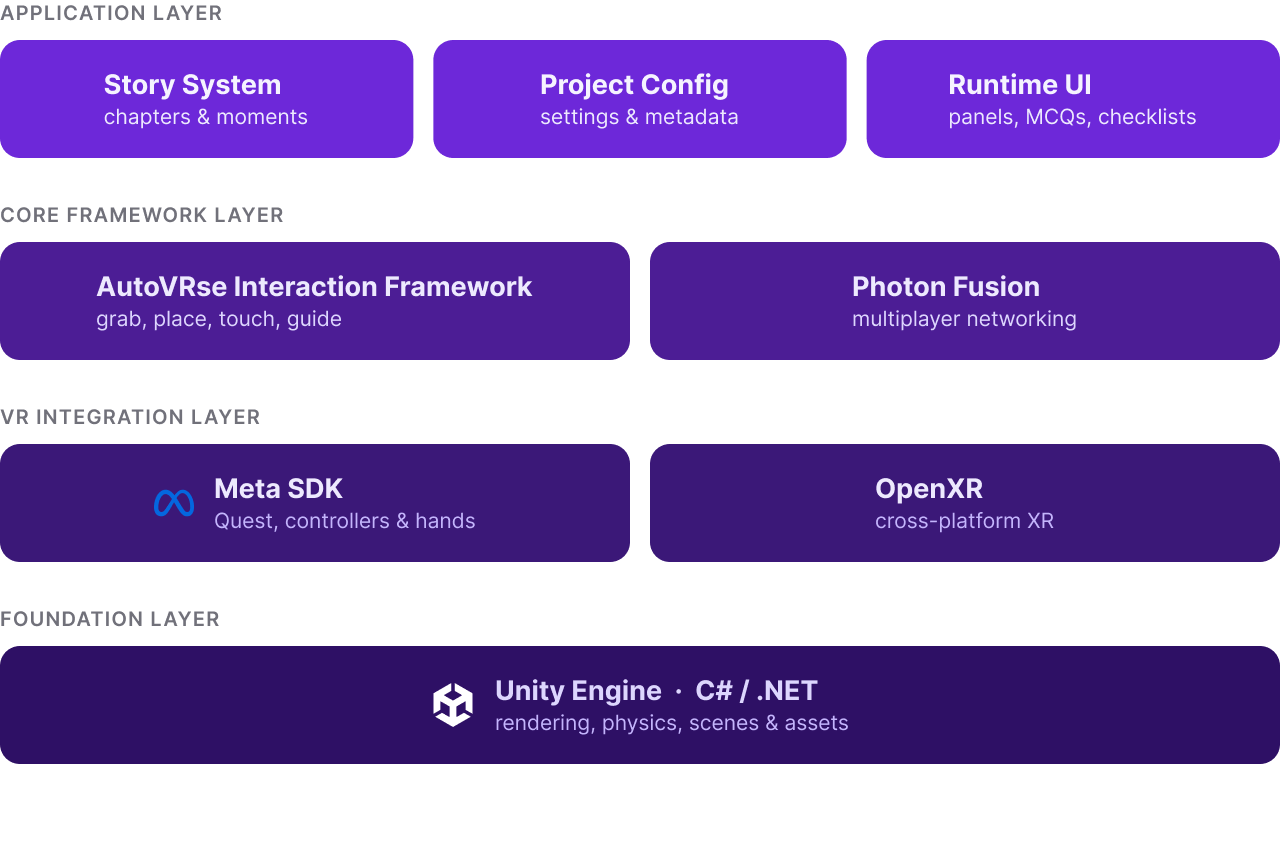
The SDK is built as a layered Unity framework. Unity provides the foundation, VR integrations provide headset support, and VRseBuilder adds story, interaction, networking, UI, and tooling systems.
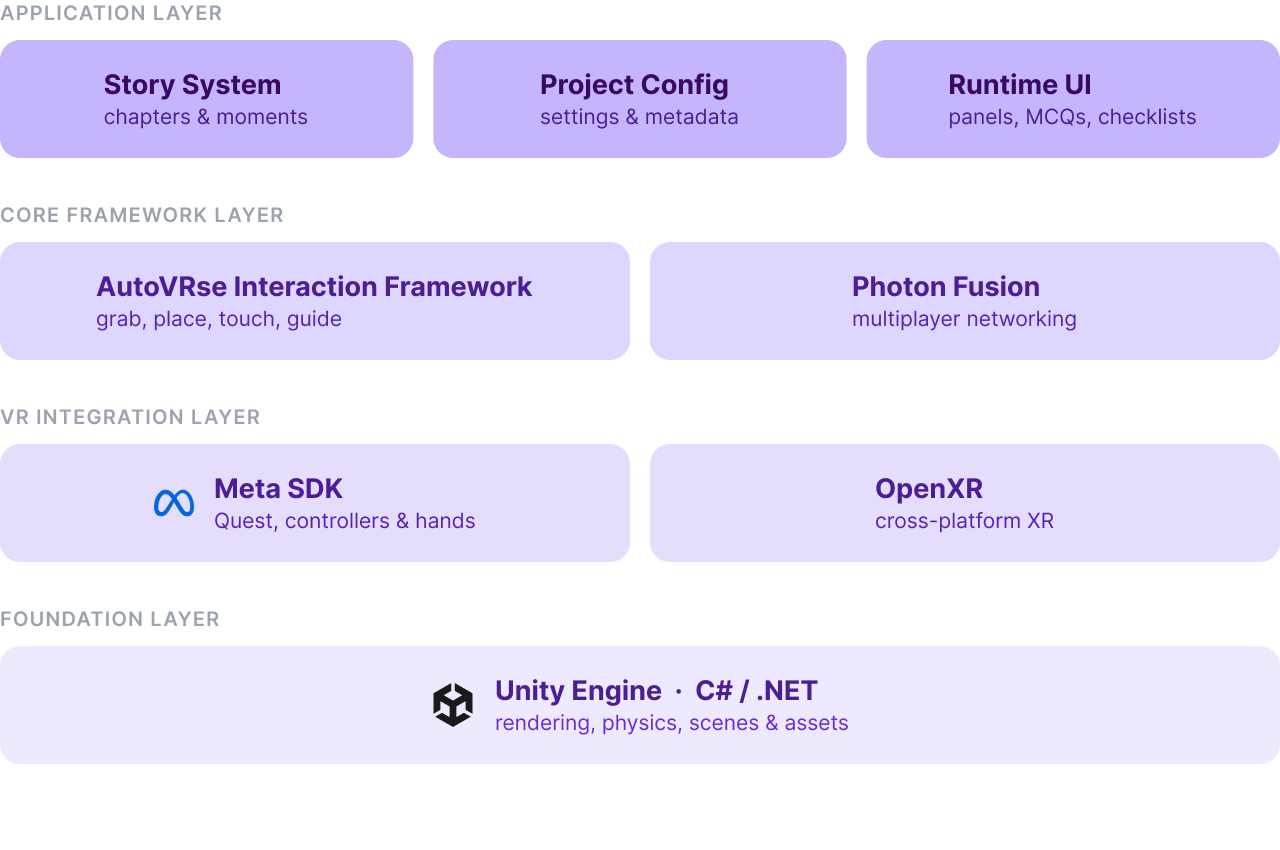
Together, these layers give you a Unity project that is ready for VR interaction, story playback, UI, networking, and deployment. You can use the SDK as-is for standard training modules, or extend it with custom Unity code when a project needs deeper behavior.