> ## Documentation Index
> Fetch the complete documentation index at: https://docs-vrsebuilder.autovrse.app/llms.txt
> Use this file to discover all available pages before exploring further.
# Users & Projects
> Organize your teams and their work
You can create and control multiple user accounts for Studio through Pulse. \
\
We are in the process of updating roles within VRseBuilder and their respective privileges to provide organizations with better control of platform useage.
 ### Projects
Organize your VR Content in the Projects section of the platform.
### Projects
Organize your VR Content in the Projects section of the platform.
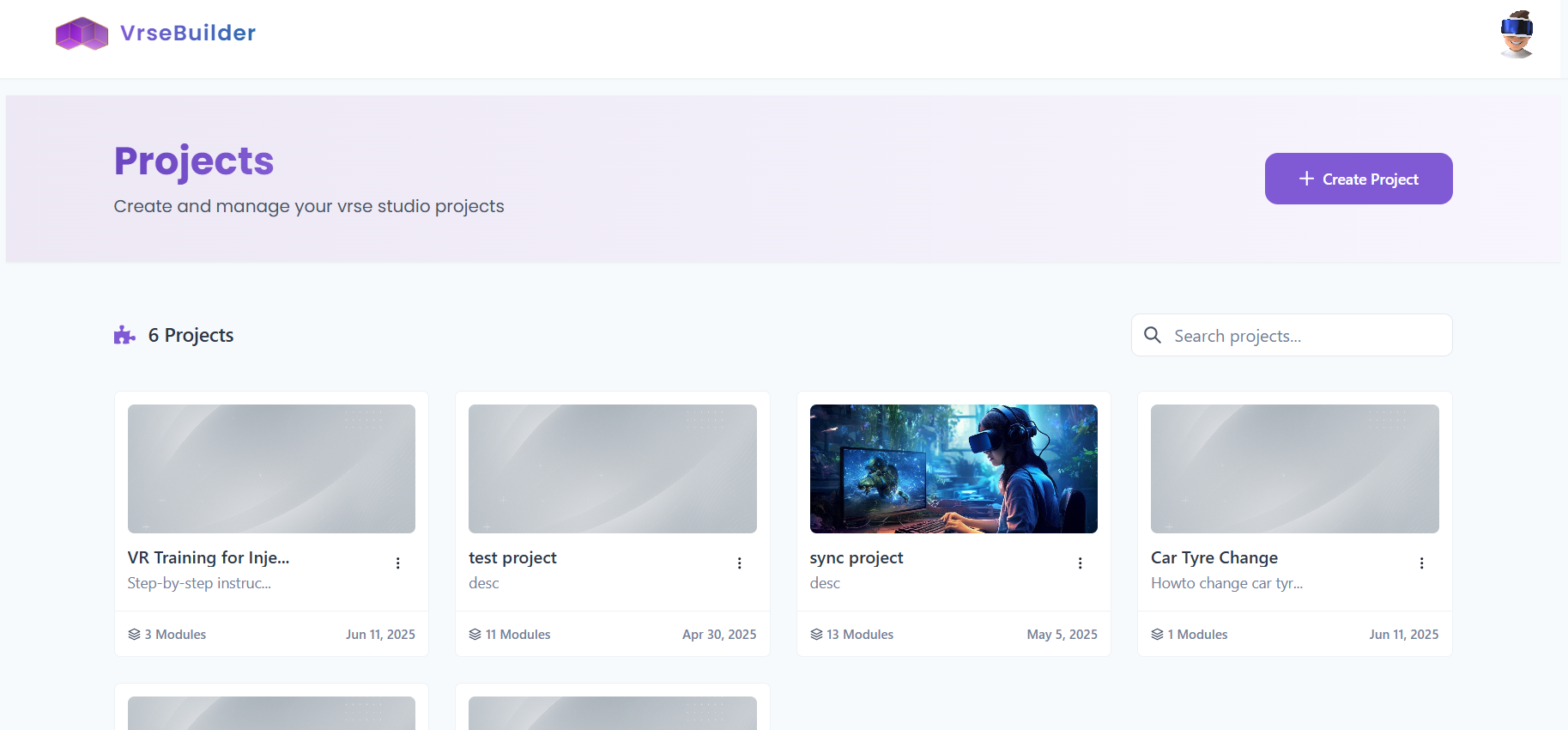 * A **User** can create a **Project**
* Each **Project** can have many **Modules**
* Each **Module** can have many **Experiences**
* Each **Experience** can be of one of the two types:
* **Training**: Step by Step linear workflow with instruction
* **Evaluation**: Step by Step linear workflow with "scoring" for each step
```mermaid theme={null}
flowchart TD
D[Project] --> A[Module]
A --> E[Experience]
E --> B[Training Type]
E --> C[Evaluation Type]
```
Once you start a Project, and are ready to create a Module, you will be shown the screen below
* A **User** can create a **Project**
* Each **Project** can have many **Modules**
* Each **Module** can have many **Experiences**
* Each **Experience** can be of one of the two types:
* **Training**: Step by Step linear workflow with instruction
* **Evaluation**: Step by Step linear workflow with "scoring" for each step
```mermaid theme={null}
flowchart TD
D[Project] --> A[Module]
A --> E[Experience]
E --> B[Training Type]
E --> C[Evaluation Type]
```
Once you start a Project, and are ready to create a Module, you will be shown the screen below
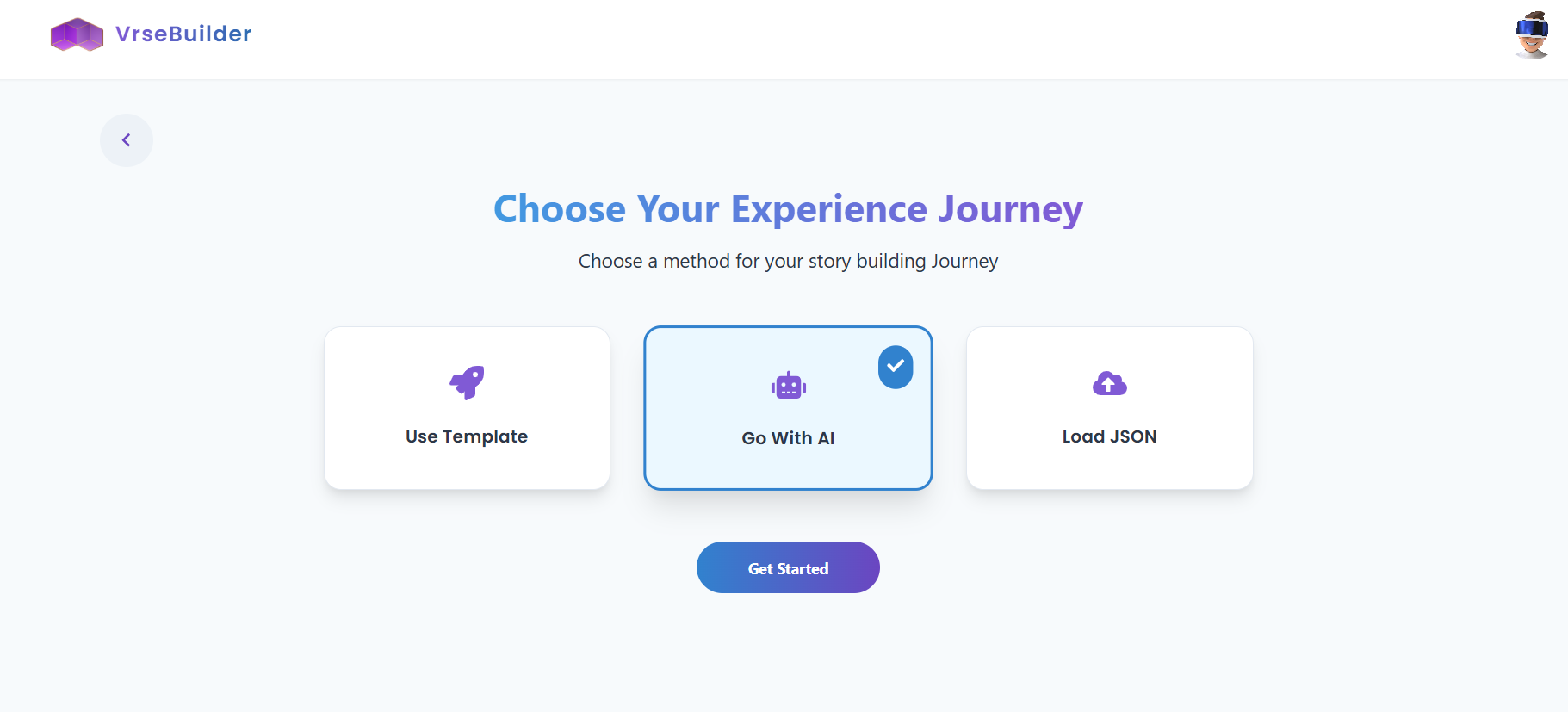 * Generate your story with AI using your SOP/Design Documents
* You can use an existing Template to start off with
* Upload an already created JSON
* Generate your story with AI using your SOP/Design Documents
* You can use an existing Template to start off with
* Upload an already created JSON